01 / Metadata
Embedded EXIF,
IPTC & XMP
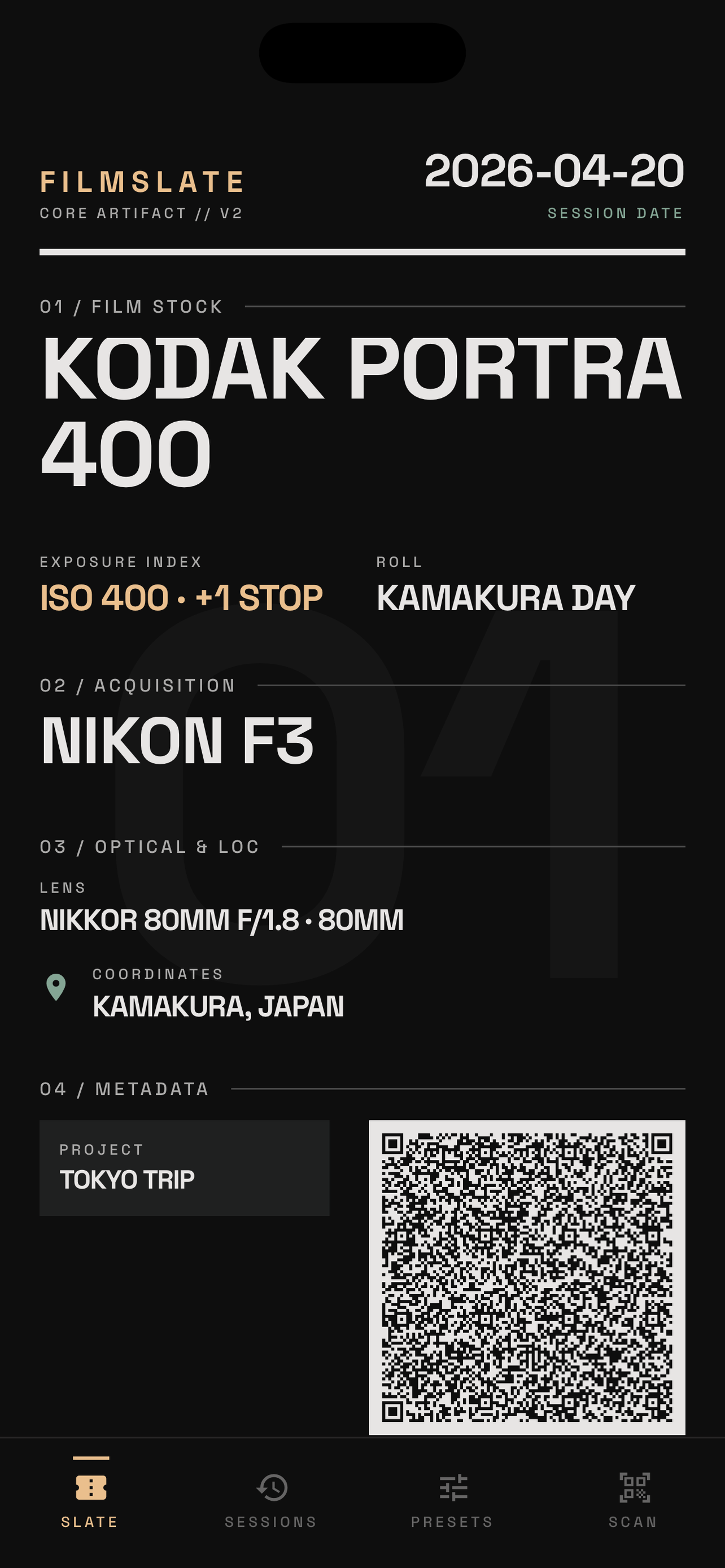
Metadata is written directly into each image file — no sidecars, no plugins. Camera, film stock, ISO, lens, location, project, push/pull, and more. Lightroom reads it instantly.
02 / Detection
Vision-Based
QR Detection
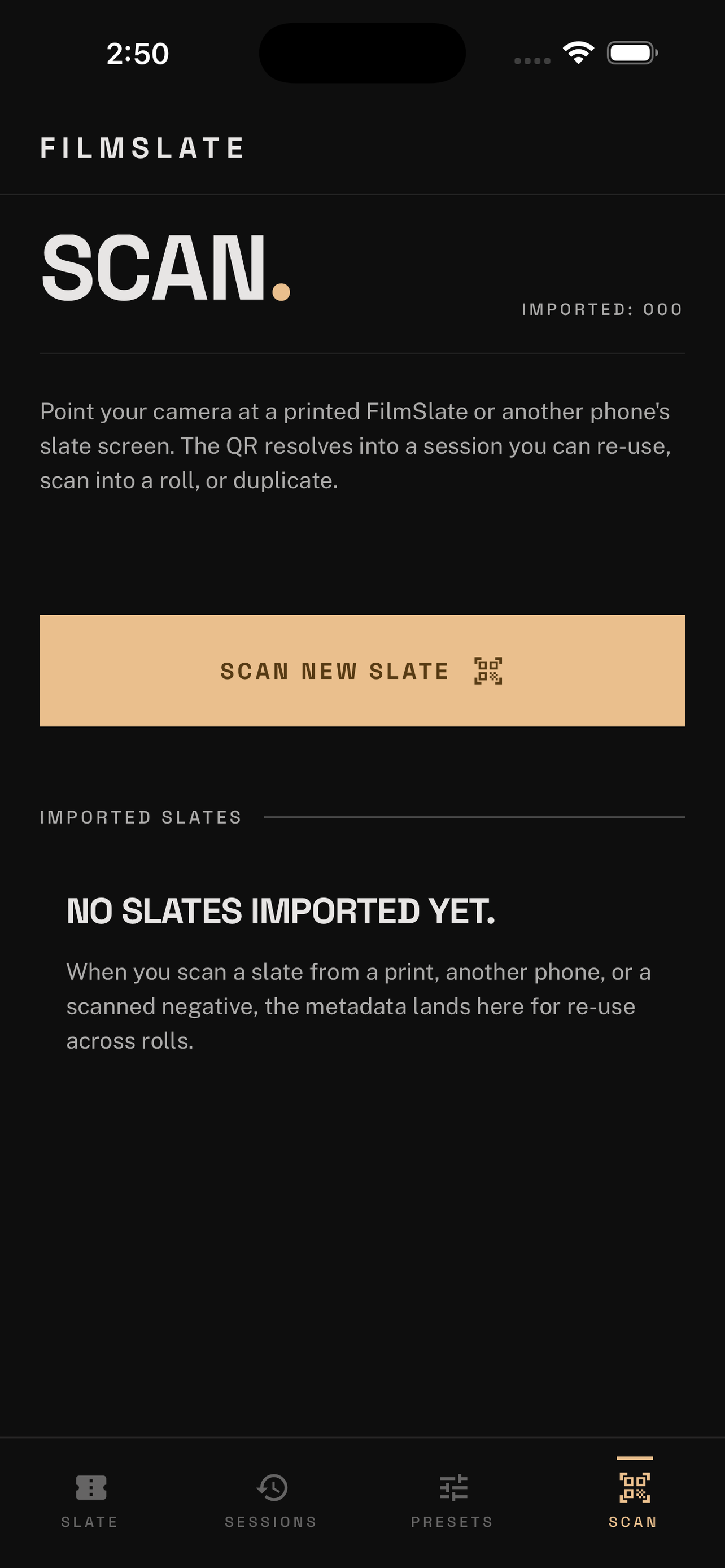
The macOS app uses Apple Vision.framework to find your slate frame automatically in a folder of scans — even if it's blurry, slightly exposed, or buried mid-roll. Manual override always available.
03 / Slates
Editorial Slate
Design
The slate is a photographable artifact — not a utilitarian QR sheet. High-contrast editorial typography with error-correction level H, readable through motion blur and imperfect exposure.
04 / Safety
Three Backup
Modes
Choose per-run: backup originals to a subfolder, write tagged copies while leaving originals untouched, or mutate in place. Your negatives are never at risk.
05 / Library
70+ Film Stocks,
30+ Camera Makes
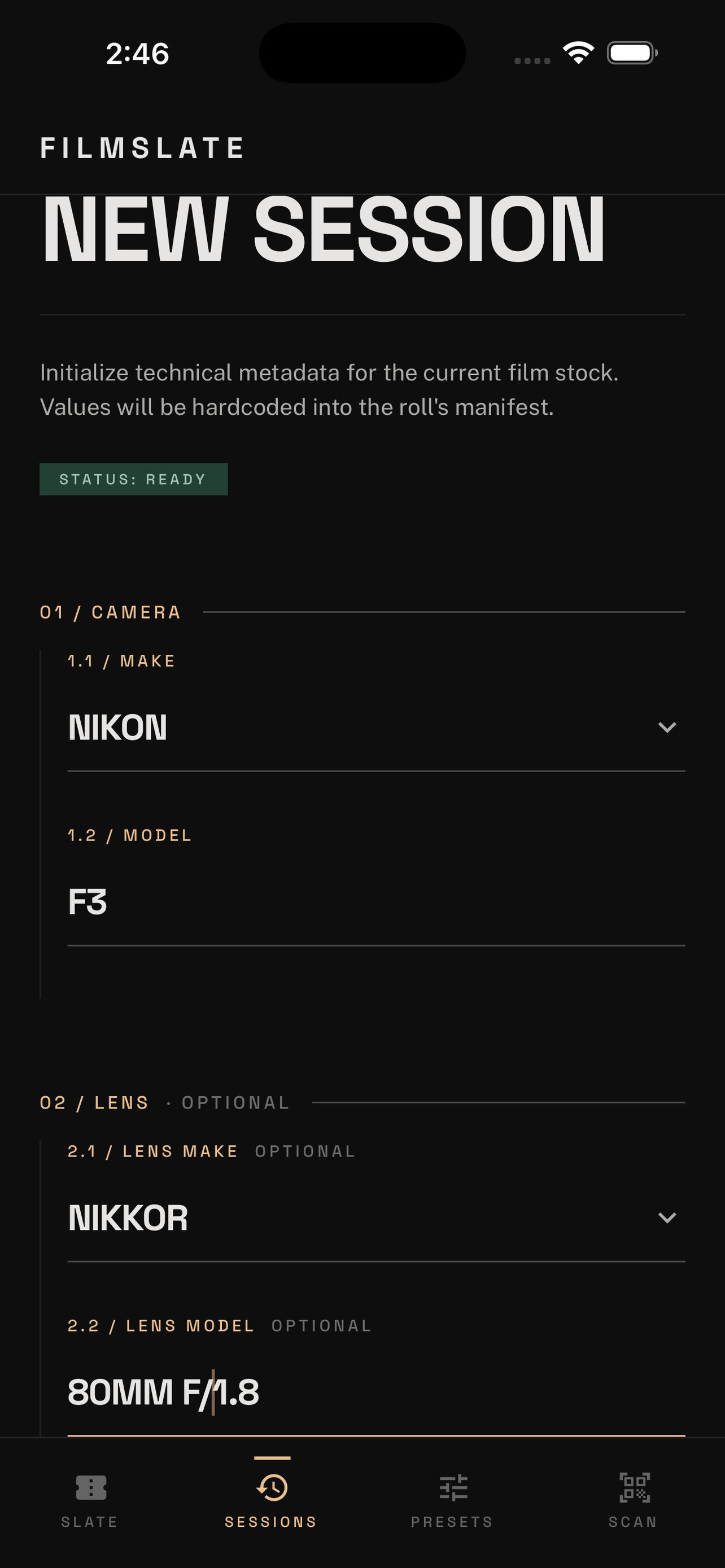
Curated dropdowns covering Kodak, Fujifilm, Ilford, CineStill, and more — with push/pull, focal length, lens make, location, and project fields. Every field has a custom escape hatch.
06 / Workflow
Presets &
Session Archive
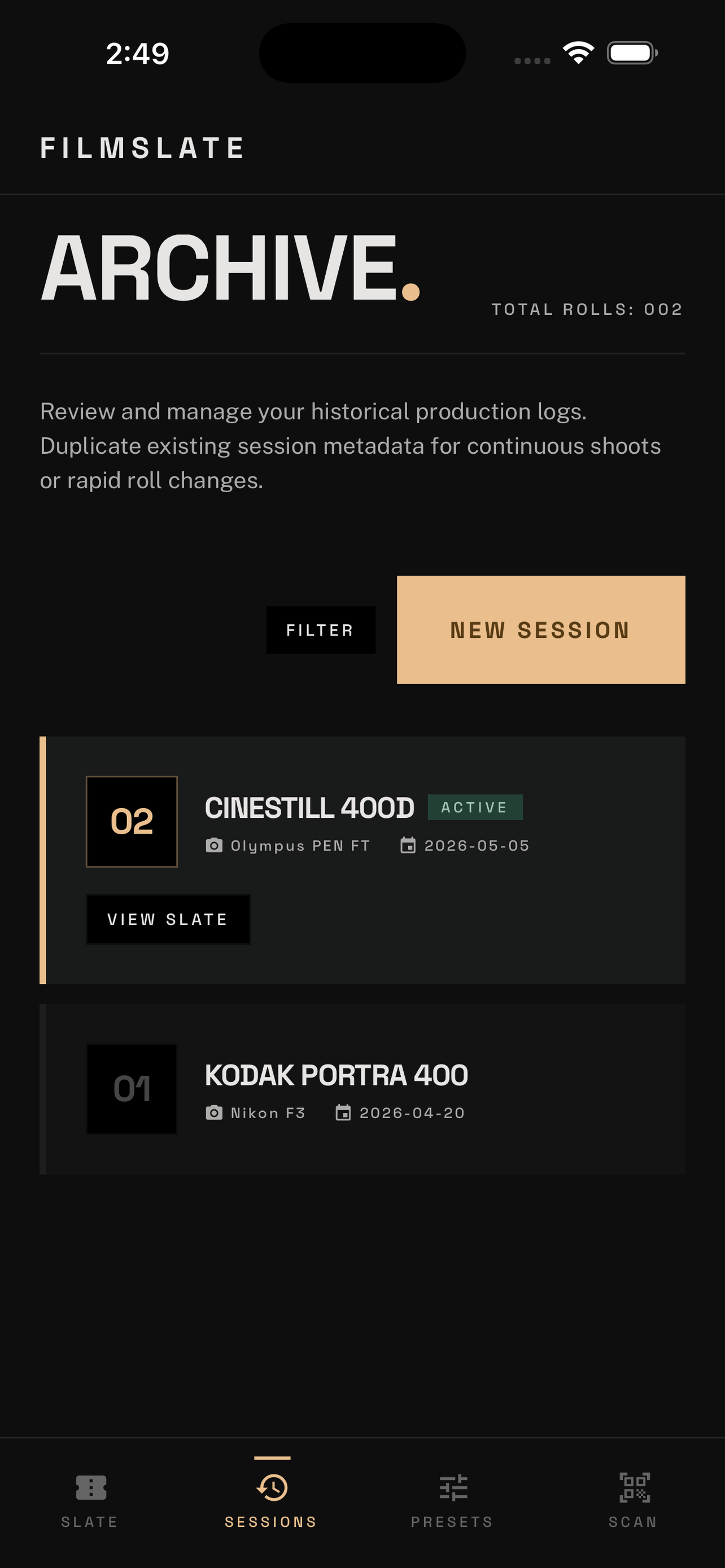
Save reusable camera, lens, and film combinations as presets for one-tap fill. Every previous roll is archived — duplicate any session instantly for a rapid roll change on set.